

Seedream 5 Poster Generator
State the headline, the offer and the mood. You get type and image composed together, ready to adjust with a follow-up edit.
Make images with ByteDance Seedream 5 in Flash, Lite or Pro. Edit with up to 10 reference images, build consistent sets, or split a picture into layers. The price shows before you click.
Nudity, sexual content and edits that undress real people aren't supported and will be blocked. Terms of Service
These pictures were rendered with Seedream 5 on Seedream5 AI. Choose one to load its prompt and settings into the generator; expect a close variation rather than an exact copy.
Use cases
Campaign posters, brand boards, cover art, explainers, character sheets and storyboards, all from a written brief.
State the headline, the offer and the mood. You get type and image composed together, ready to adjust with a follow-up edit.
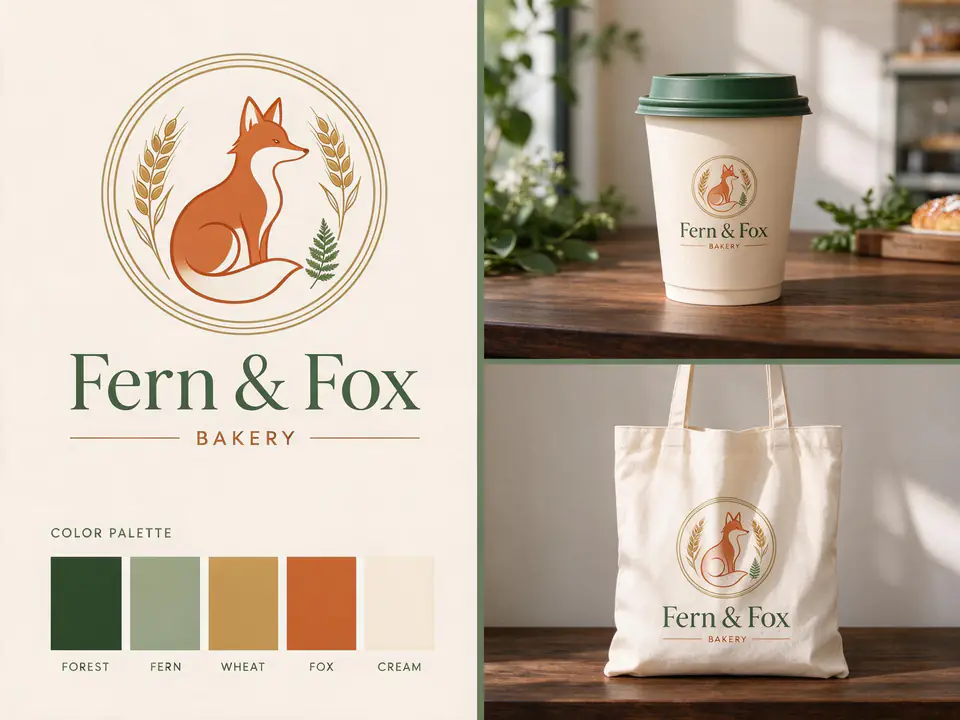
Give a name, a feeling and some colours and get a mark and mockups on one sheet. Split it into layers when one direction works.

Large titles and one clear subject that still read at phone size. Try several on Flash, then render the keeper on Pro.
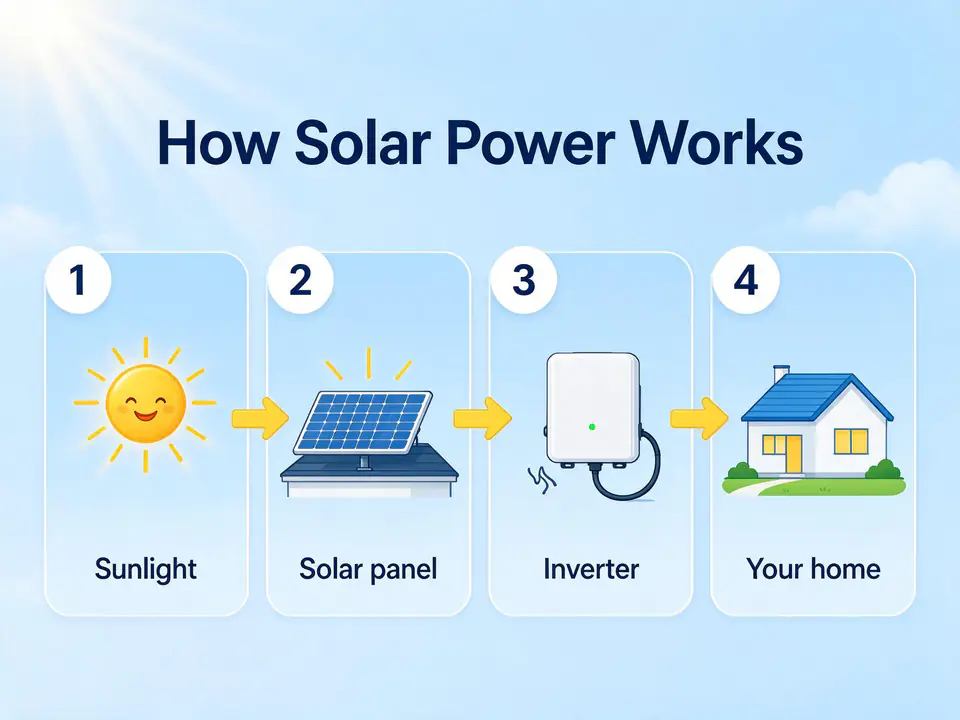
List the stages and their labels to get numbered panels with simple icons. Check every figure before publishing.
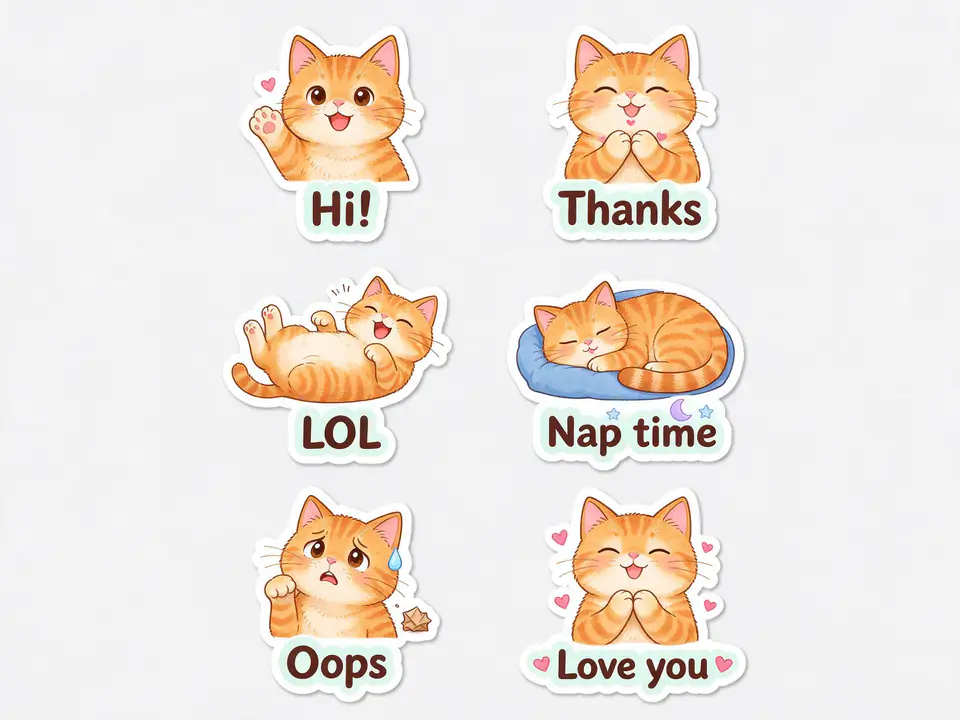
One character across several expressions with short captions, laid out with cut lines for chat apps or printing.
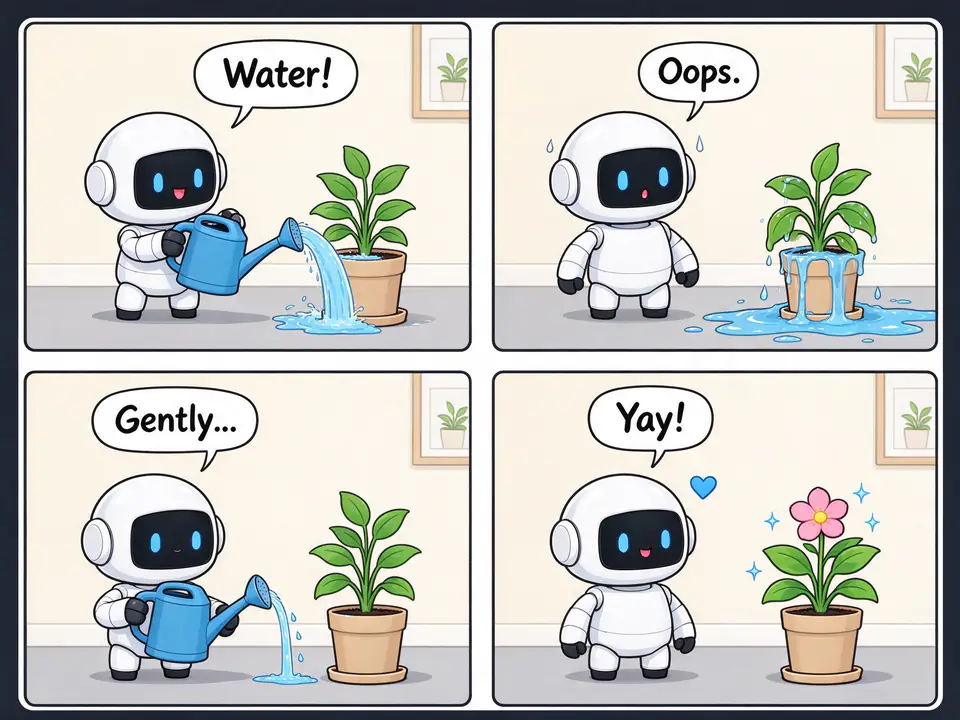
Plan a scene panel by panel with the same cast. Lite can also return each panel as its own matching image.
Photo editing
Each pair shows the image we attached and what Seedream 5 returned for the prompt below it.
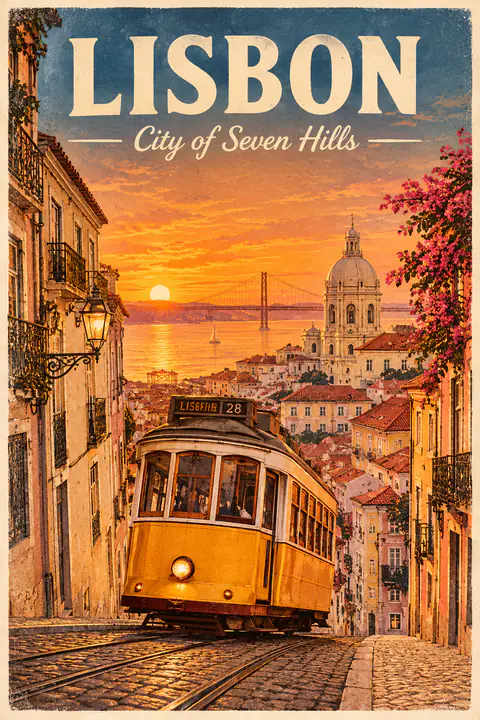
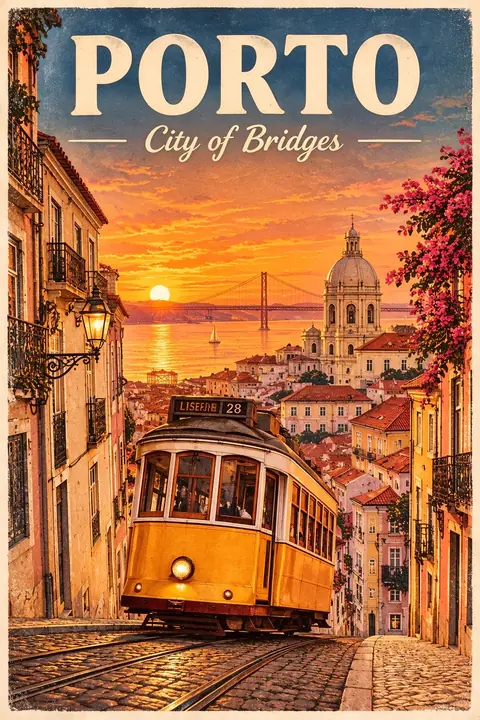
The poster gets a new city and subtitle while the tram and the lettering style remain.
Change the title to "PORTO" and the subtitle to "City of Bridges". Keep everything else the same.
How it works
Describe the picture in plain sentences, in any language, and quote any words that must appear. To edit, attach up to 10 images first.
Flash for speed, Lite for 4K or a matching set, Pro for the final piece. Pick one of 15 ratios, and the button shows what the run costs.
Attach the result and ask for a change, or switch the output to Layers to get editable transparent pieces. Every result is saved to your library.
Why Seedream5 AI
Seedream 5 comes in three tiers built for different jobs. Seedream5 AI puts all of them behind one prompt box and shows the cost of each run first.
Flash is the fast, low-cost tier for trying ideas. Lite takes exact pixel sizes up to 4K. Pro is for final work at up to 2K, with a choice of how far it rewrites your prompt.
Headlines, labels and prices come through well when you quote the exact words and say where they belong. Seedream 5 handles mixed English and Chinese layouts too. Proofread small print before it goes to press.
Attach a photo and describe the change, or add a character, an outfit and a backdrop and ask Seedream 5 to combine them. On Flash and Lite, extra references cost nothing more.
Lite can return up to 8 matching images, with the same characters and palette across a storyboard or campaign. Flash and Pro can split one image into a base and transparent PNG layers.
Start with free credits and move to a plan once you are generating every week.
Lite
For a regular flow of drafts and social images.
~$0.010 / credit
From ~$0.062 per image
Includes
Pro
For weekly campaigns, listings and client rounds.
~$0.008 / credit
From ~$0.050 per image
All of Lite, and also
Ultra
For teams running image sets and layer splits often.
~$0.007 / credit
From ~$0.042 per image
All of Pro, and also
Prices include any applicable tax.
FAQ
Seedream5 AI is an online Seedream 5 generator and editor. Write a prompt for a new picture, attach up to 10 images to edit or combine them, make a matching set, or split an image into layers. Everything is kept in your library.
Seedream 5 is a family of image generation and editing models from ByteDance. It comes in three tiers: Flash for speed and low cost, Lite for pixel-exact sizes up to 4K and image sets, and Pro for careful final renders.
Flash is the quickest and cheapest. Lite is the only tier with 4K and matching image sets. Pro is the costliest and adds a choice between a full and a faster prompt rewrite. Flash and Pro can both split an image into layers.
Choose Flash or Pro, set the output to Layers and attach one image. You get back a base image and transparent PNG layers to use in your design software. It costs far more than one render and takes longer, so try it on images you have settled on.
Yes. New accounts get free credits, enough for one Flash image at the default settings. After that, credits come from a plan or a one-off pack, and each run shows its cost first.
Short titles, labels and prices usually come out as written, and English and Chinese can share a layout. Quote the exact words and say where they go. Dense small print still needs checking, so proofread anything headed to print.
Yes. Attach a photo and describe the change, such as a new background, different wording or another season. Add up to 10 references to bring in a character, a product or a style. Set a ratio if you need a specific shape.
Start with what the image is for, then describe subject, setting, light and style in full sentences. Quote any exact text. For a set, say how many images you want and what changes between them. Choose the ratio in the menu.
Flash and Pro render at 1K, 1.5K or 2K in 15 aspect ratios. Lite works in pixels: 2K, or 4K such as 3840 × 2160 at 16:9 and 4096 × 4096 at 1:1. Lite is the tier to choose for 4K.
Images made on a paid Seedream5 AI plan can be used commercially under our Terms of Service. You remain responsible for what you depict, so avoid real people's likenesses and other companies' trademarks.
No. Seedream5 AI is an independent product and is not affiliated with, endorsed or sponsored by ByteDance. It runs Seedream 5 through a third-party inference platform.
Create an account, collect your free credits and turn a one-line brief into a finished image.